 EN
ENWhen a Gaming Page Stalls on Your Phone: A Malaysian Reader's Checklist
Updated
Three things to understand
- Separate connection, browser and service before doing anything else.
- Record the time, the page and any error message before you retry.
- Never repeat a payment, install an APK to fix a page or try to bypass a block.
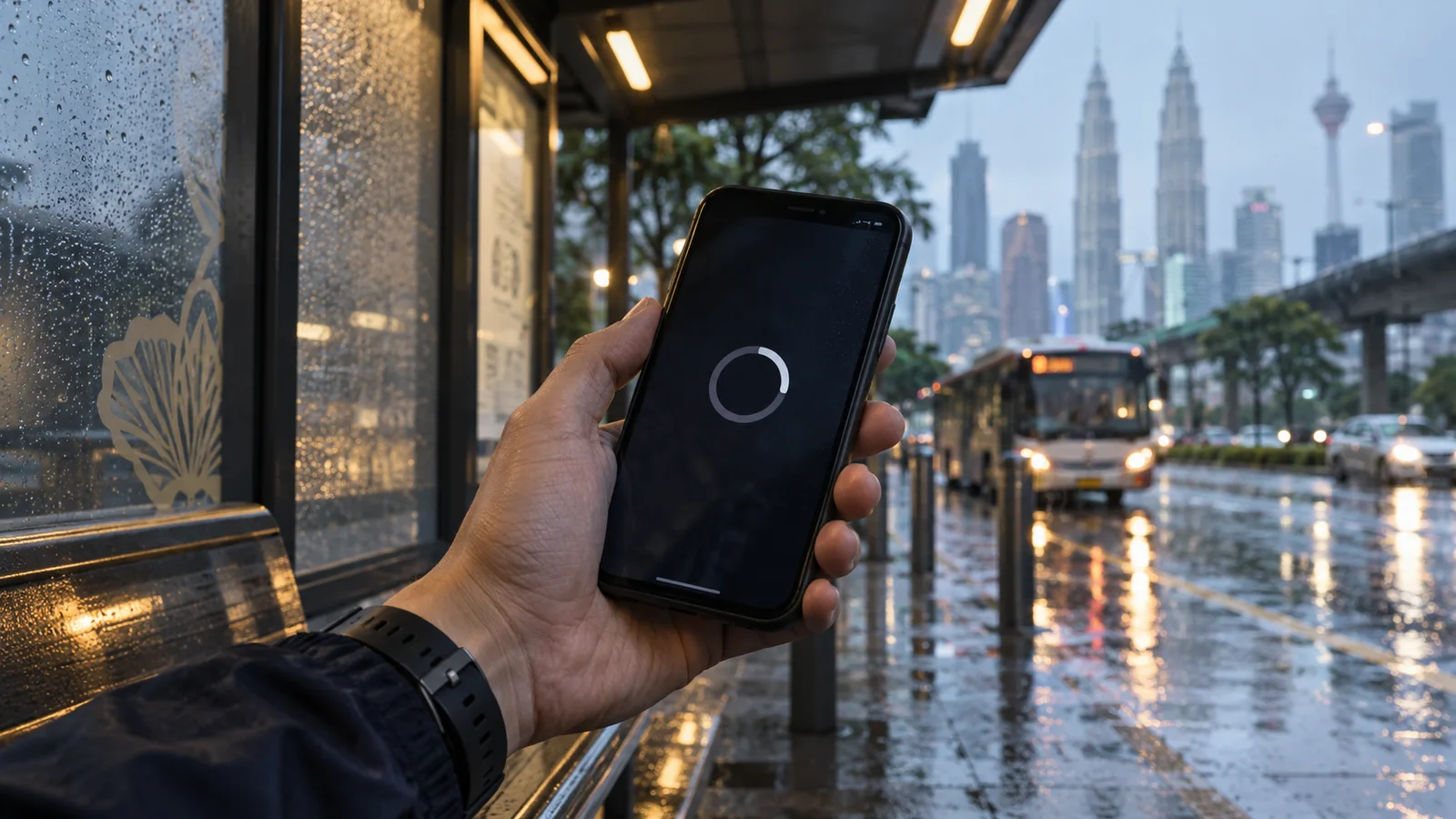
A spinning wheel on a phone screen can mean three different things: your connection is poor, your browser is misbehaving, or the service itself has a problem. The sensible response to each is different, and one tempting response, retrying a payment, can be expensive. This guide gives a short order of checks, with an emphasis on recording what happened and not making things worse.
Generated editorial illustration; not a platform screenshot.
General troubleshooting guidance only; it does not promise that any problem will be resolved.
Start with the connection
Open an unrelated page, such as a news site, on the same phone. If it also loads slowly or not at all, the problem is your connection. Switching between Wi-Fi and mobile data, or moving a few metres on a covered bus stop in the rain, often changes the result.
If other pages load normally, the connection is probably fine and you can move to the next step. If they do not, wait and retry later rather than repeatedly refreshing a page that is partway through an action.
Then the browser
Try another browser on the same phone, or a private window. If the page works there, something in the first browser, such as stale data or an extension, is the likely cause. Clearing that browser's cache for the site is a reasonable step.
Do not install anything to fix a page. A request to download an APK or a 'special app' to continue is a warning sign, not a solution, because an unknown file can request permissions that expose your messages and banking.
Is it the service?
If other sites load, a second browser behaves the same way and the same error repeats, the issue may lie with the service. You cannot fix that from your phone, and no setting on your side will change it.
Wait for a reasonable period, then try again. If it persists, use the support channel published on the official site, reached by typing the address yourself, not by following a link in a message.
Record before you retry
Write down the local time (Malaysia is on Asia/KL, UTC+8), the page you were on, what you tapped last and the exact wording of any error. A screenshot helps. Do not include passwords, one-time codes or full card details in anything you save or send.
This record matters most if money was involved. It turns 'it broke' into something support can check.
Money in flight: do not repeat
If the page stalled during a payment, do not pay again. First check your own bank or wallet app for a pending or completed transaction. A second payment while the first is unresolved can leave you with two charges.
Wait for the status to settle and keep the reference. Whether a pending item will be reversed or credited is a question for the operator and your bank, and nothing here promises either outcome.
What not to do
Do not use tools or tricks to get around a blocked page. A block may exist for reasons you cannot see, and workarounds often expose you to scams and malware. If a site is not accessible to you, accept that and step away.
Do not share screen access with a stranger offering to help. Genuine support does not ask for your PIN, password or one-time code.
Questions readers ask
How can I tell if the problem is my phone or the website?
Load an unrelated site. If it is slow too, suspect your connection. If other sites are fine and the error repeats in a second browser, the service may be the cause.
Should I refresh repeatedly during a payment?
No. Check your bank or wallet app for pending items first. Repeating a payment can create a duplicate.
Is it safe to install an app to fix loading?
No. Installing an unknown APK can expose messages and banking data. Do not install files offered to fix a page.
What should I note before contacting support?
The time with its timezone, the page, the exact error wording and any reference number, without passwords or one-time codes.